
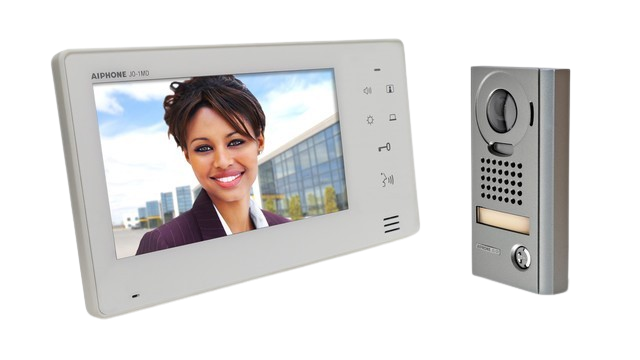
Intercom Systems
Gate Automation Systems supplies and integrates intercoms for commercial gates, shared entries, managed properties and sites that need clearer visitor communication before the gate opens.
Entry communication has four parts.
Entry panel
The device visitors actually use: audio, video, keypad, directory or a simpler call station.
Answer path
Reception, manager, resident, site phone or app receives the call and confirms the visitor.
Release output
The system triggers the gate, pedestrian gate, lock, boom or bollard through the control panel.
Support trail
User changes, handover instructions and servicing keep the system useful after install.
Choose the right intercom
The intercom has to suit the gate, the person answering, the visitor type and the release hardware. A good system is obvious for visitors and manageable for the site team.

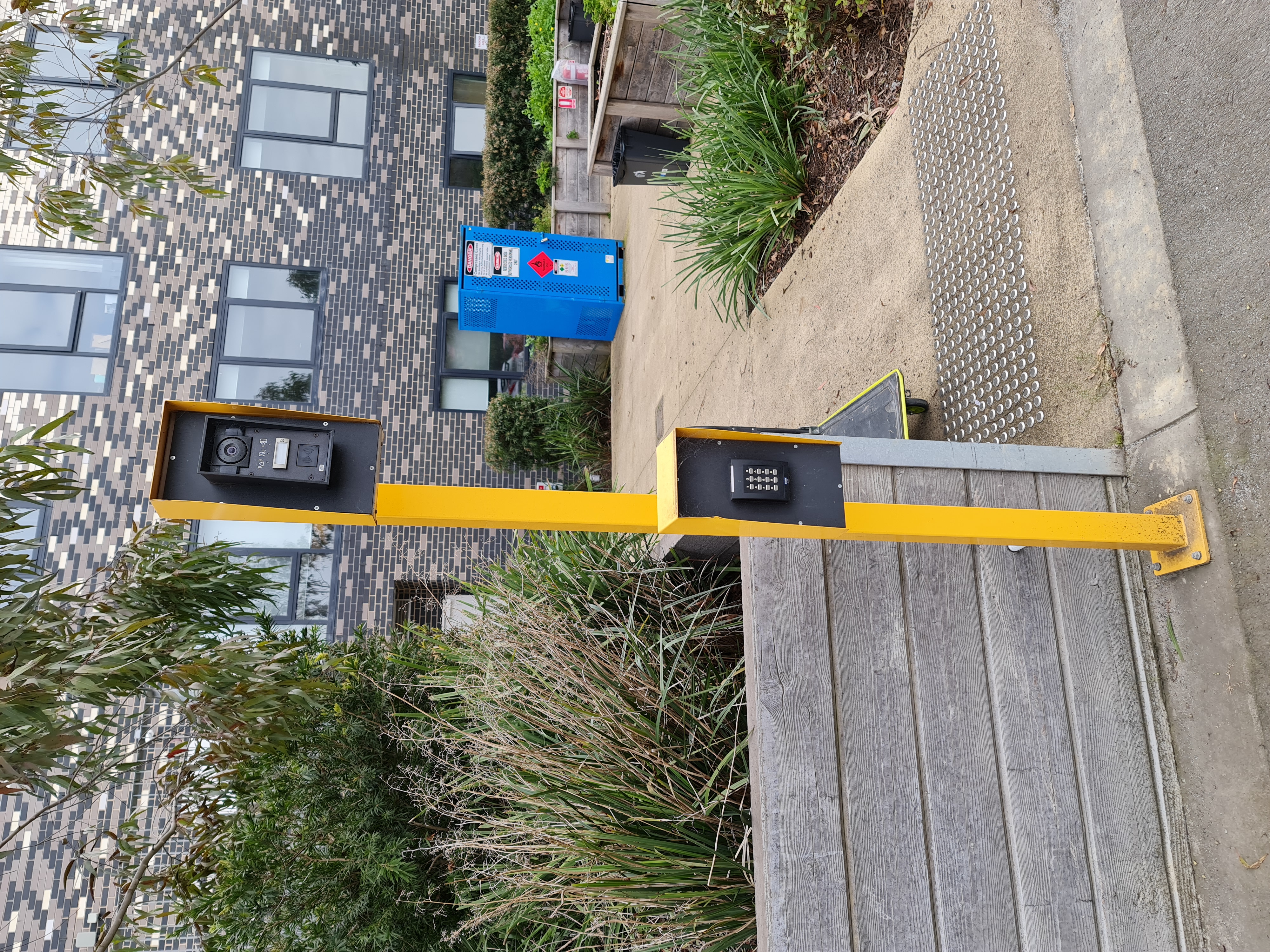
Different sites answer the gate differently.
Commercial reception
Visitors call reception or a site manager before the gate or pedestrian latch releases.
Shared properties
Multiple users need a clear directory or app-based answering path.
Schools and facilities
Admin teams need controlled visitor entry without leaving the gate unsecured.
Service yards
After-hours deliveries and contractors need a controlled release path.
The Process
Gate Automation Systems can help define who answers, how the release works, how the system is powered and what changes the site team can manage later.
- Map users and visitor types
- Choose audio, video, app or directory setup
- Integrate release with gate or lock controls
- Handover names, codes and support process
Bring the answering workflow, not just the device.
The fastest way to specify an intercom is to know who answers, how many users need access, and what gate or lock is being released.